
How to make a team roster (with a free template)
16 September 2026 · 3 min read
A team roster is the list of everyone on your team and the details you need to run it: names, contacts, positions and, for youth teams, emergency information. Every league asks for one, and every coach ends up relying on it.
This guide covers what to include, gives you a template you can copy, and shows how to keep it accurate once the season starts, which is where most rosters fall apart.
What to include on a team roster
Start with the essentials and add only what you will actually use.
For every team
- Full name — as it should appear on league paperwork.
- Jersey number — if your team uses them.
- Position or role — goalkeeper, point guard, setter, captain.
- Phone number and email — the way the person actually replies.
- Status — active, injured, on loan, inactive.
For youth teams, add
- Date of birth or age group — leagues check eligibility.
- Parent or guardian name and phone number.
- Emergency contact — if different from the parent.
- Medical notes — allergies, asthma, conditions the coach needs to know. Keep this private and only share it with staff.
- Photo and media consent — whether the player can appear in team photos and posts.
Optional extras
- Shirt and short sizes, for kit orders.
- Registration or membership number, if your league issues one.
- Fee status, if you collect subs or league fees.
Free team roster template
Copy this into a document or spreadsheet and fill it in. Add or remove columns to suit your team.
| # | Name | Position | Phone | Parent or guardian | Emergency contact | Notes | |
|---|---|---|---|---|---|---|---|
| 1 | Alex Morgan | Goalkeeper | 555 0101 | [email protected] | Sam Morgan | 555 0102 | Asthma inhaler in bag |
| 7 | Jordan Lee | Midfield | 555 0103 | [email protected] | Pat Lee | 555 0104 | |
| 10 | Casey Smith | Forward | 555 0105 | [email protected] | Chris Smith | 555 0106 | Captain |
For adult teams, drop the parent and emergency columns and add a column for fees.
How to make a team roster in five steps
- Collect details once, in one place. Send a single form or join link rather than gathering information in a dozen chats.
- Confirm with each player. Ask everyone to check their own row. Typos in phone numbers are the usual problem.
- Decide who can see what. Contact details and medical notes are personal data. Share the full roster with coaches only, and a names-and-numbers version with the team.
- Set a status for everyone. It is easier to plan when you know who is injured or away for a month.
- Review it every few weeks. Players join, leave and change numbers. A roster is only useful if it is current.
Why spreadsheets fall apart
A spreadsheet roster works on day one. By week four it usually has three versions, a phone number nobody updated and no record of who has actually been showing up.
The fix is a roster that updates itself: players join with a code and keep their own details current, and attendance is recorded every session, so the roster tells you who is active, not just who signed up.
Rosters in a team app
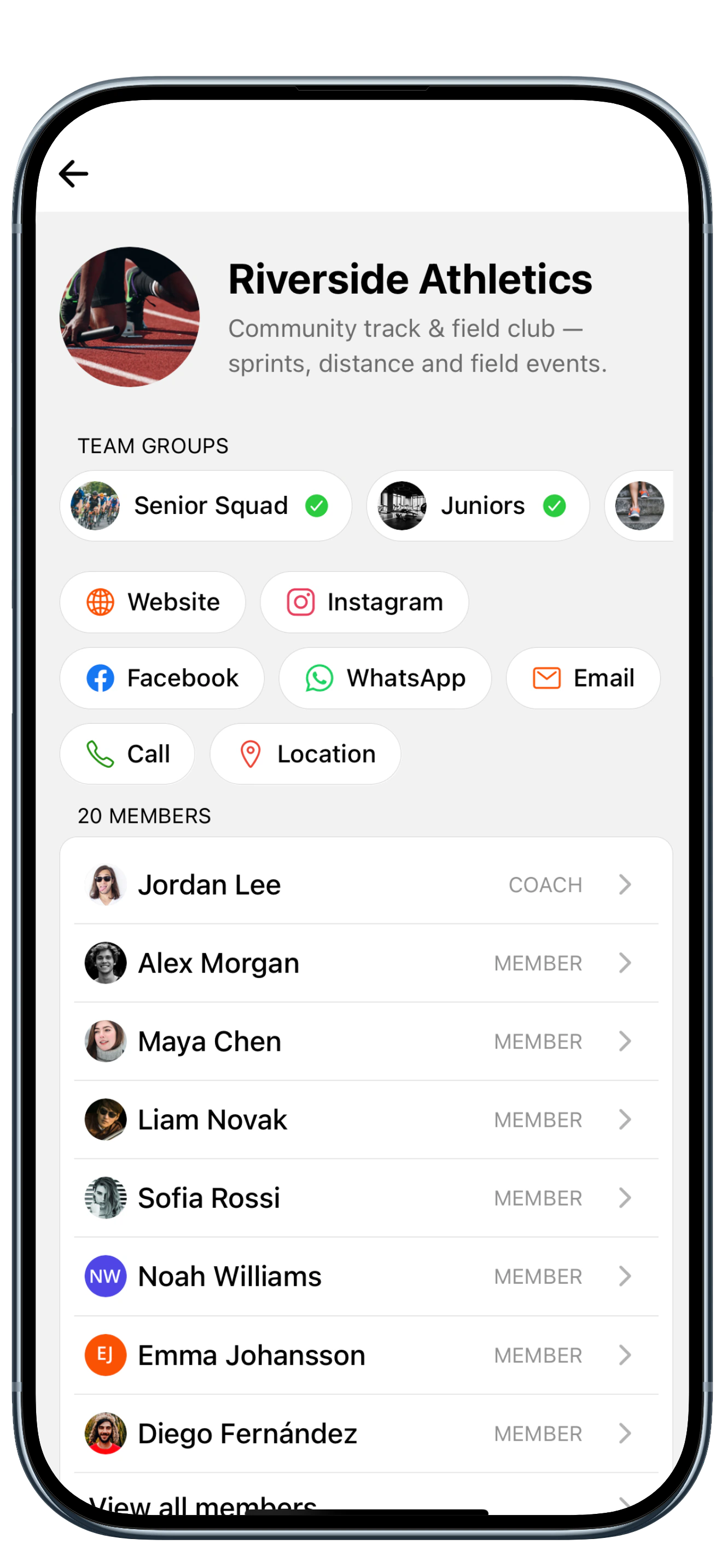
A team app (the "app roster" many coaches search for) keeps the roster, the schedule and attendance together. In TeamCheck:
- Players join with one code and fill in their own details.
- Each session shows who is coming, so you see availability next to the roster.
- Attendance history builds automatically, so you can see who has missed three sessions in a row.
- Fees are tracked per player, with a paid and unpaid list.
The free plan covers one squad of up to 15 members. Pro is one flat price per team, never per player, and raises the limit to 100 members with multiple squads. See how it works for football, basketball, hockey or volleyball.
Related guides
TeamCheck for your sport